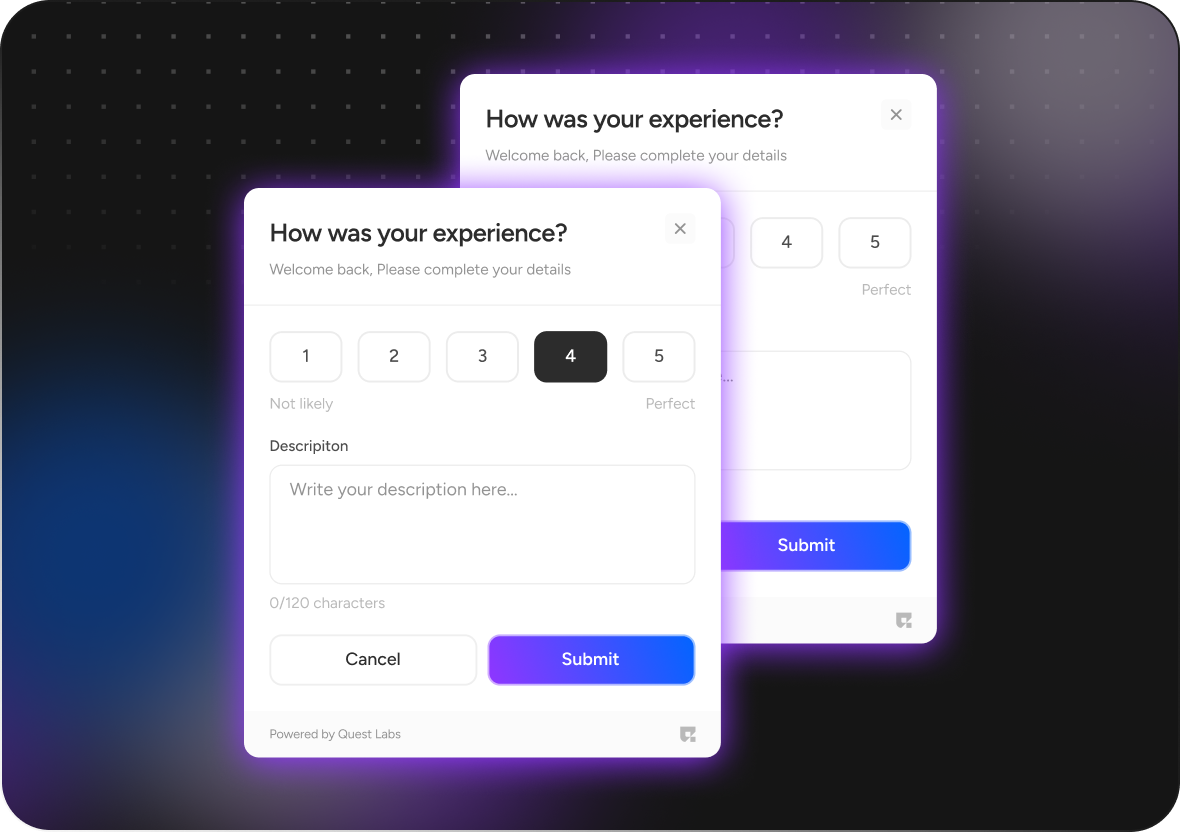
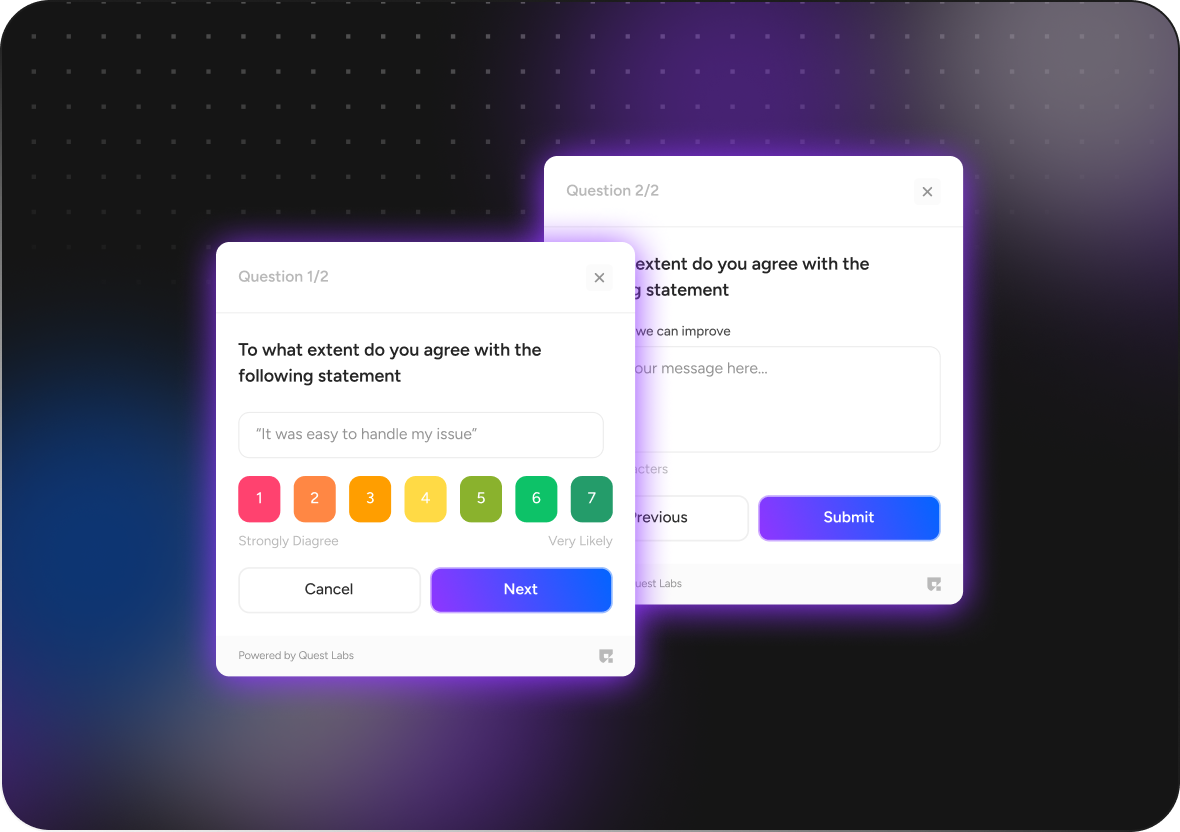
| questProvider | QuestProvider | Provides necessary configuration such as API key, entity ID, and optional theme settings | Yes |
| apiKey | String | API key to authenticate requests. | Yes |
| entityId | String | Entity ID associated with the quest. | Yes |
| themeConfig | QuestThemeConfig | Customizes theme settings like background color, font style, border color, button color, etc. | No |
| primaryColor | Color | Sets the primary color of the component . | no |
| secondaryColor | Color | Sets the secondary color of the component . | no |
| buttonColor | Color | Defines the color of buttons within the component . | no |
| backgroundColor | Color | Specifies the background color of the component . | no |
| borderColor | Color | Defines the color of the component's border. | no |
| fontStyle | String | Sets the font style for text within the component (e.g., "poppins") | no |
| surveyProps | SurveyProps | Contains user ID, campaign ID, token, and display options for the "Tutorial Component" | Yes |
| userId | String | Unique user identifier. | Yes |
| token | String | Token for authenticating the user session. | Yes |
| campaignId | String | Unique campaign identifier. | Yes |
| showFooter | bool | Whether or not to display the footer in the "Survey" component. | no |
| uiHeader | List<UiHeader> | change question section header and description | no |
| heading | String | Sets the text for the heading area of the component | no |
| subHeading | String | Provides text for the description area of the component | no |
| questionSection | List<List<int>> | change your question order and question section | no |