# Help Hub Component

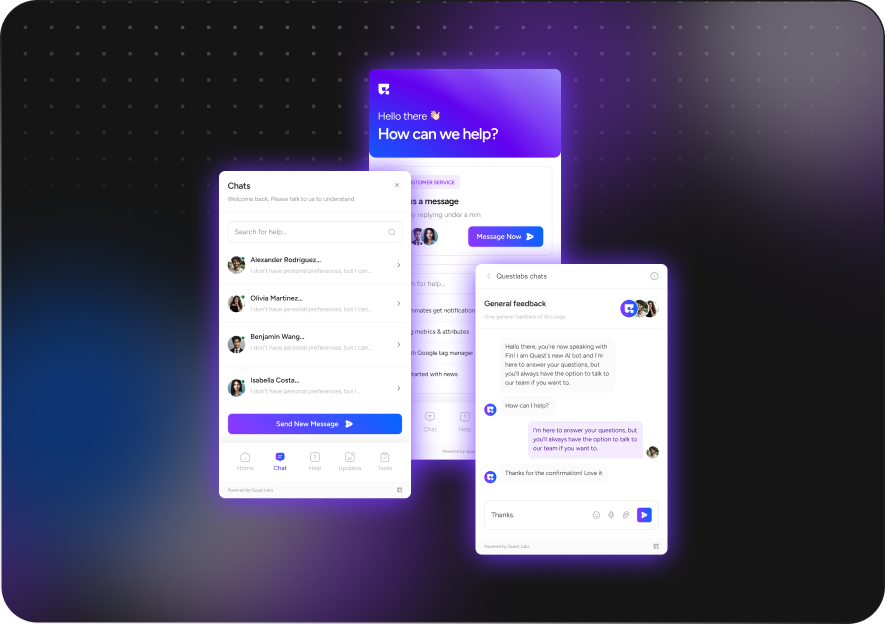
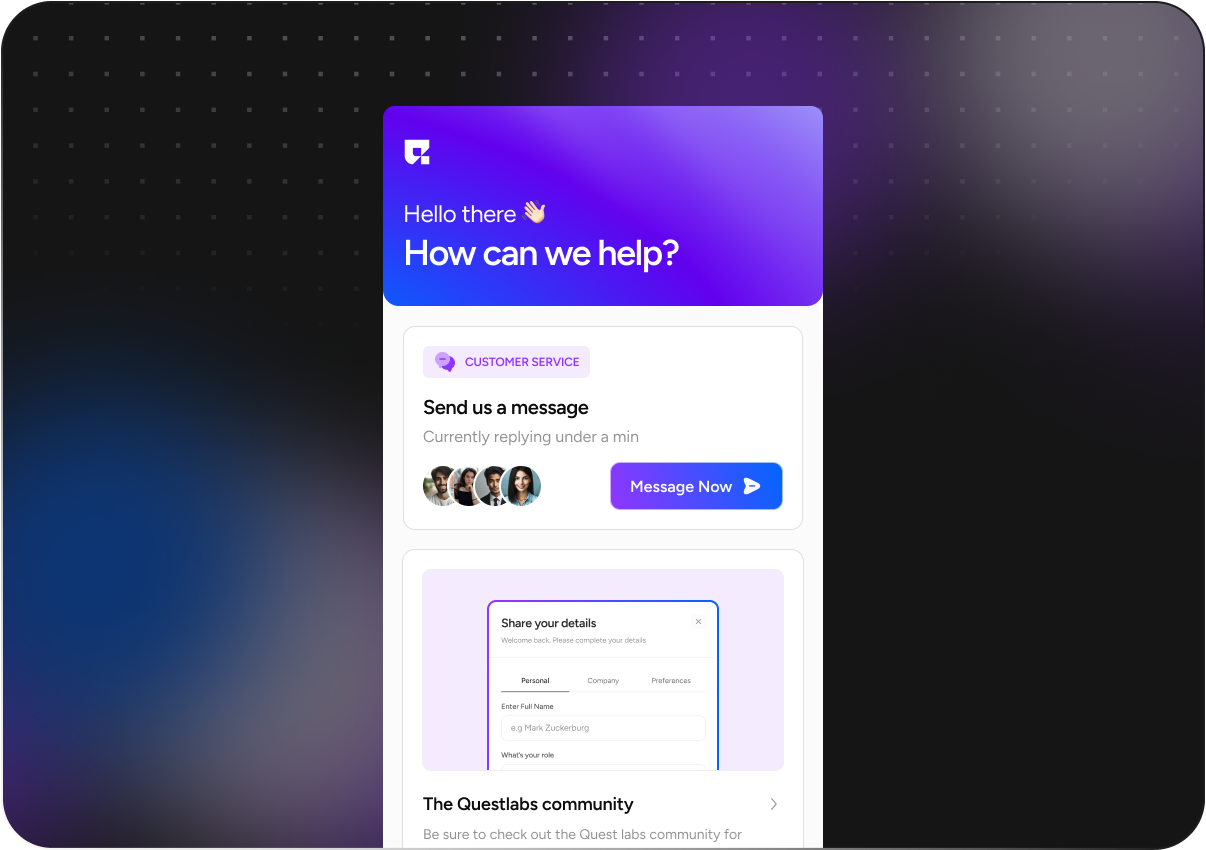
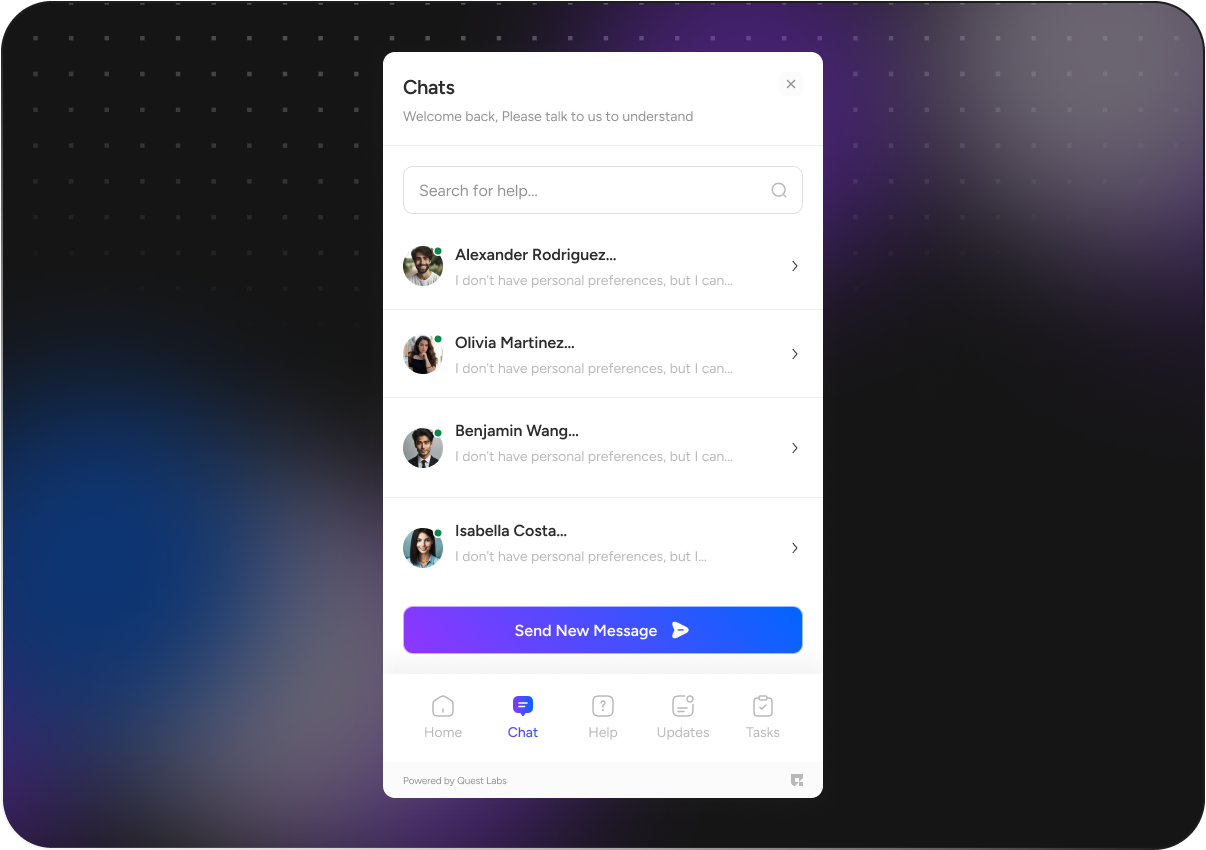
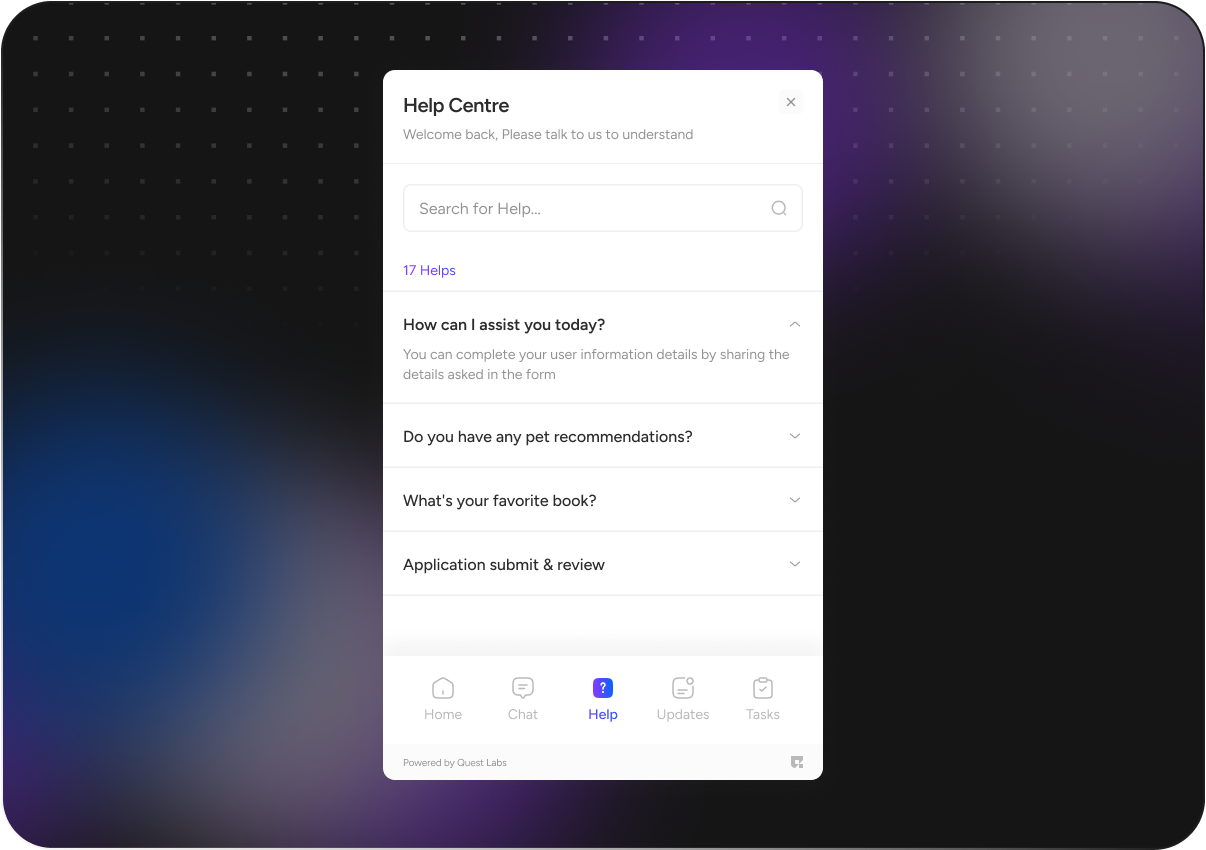
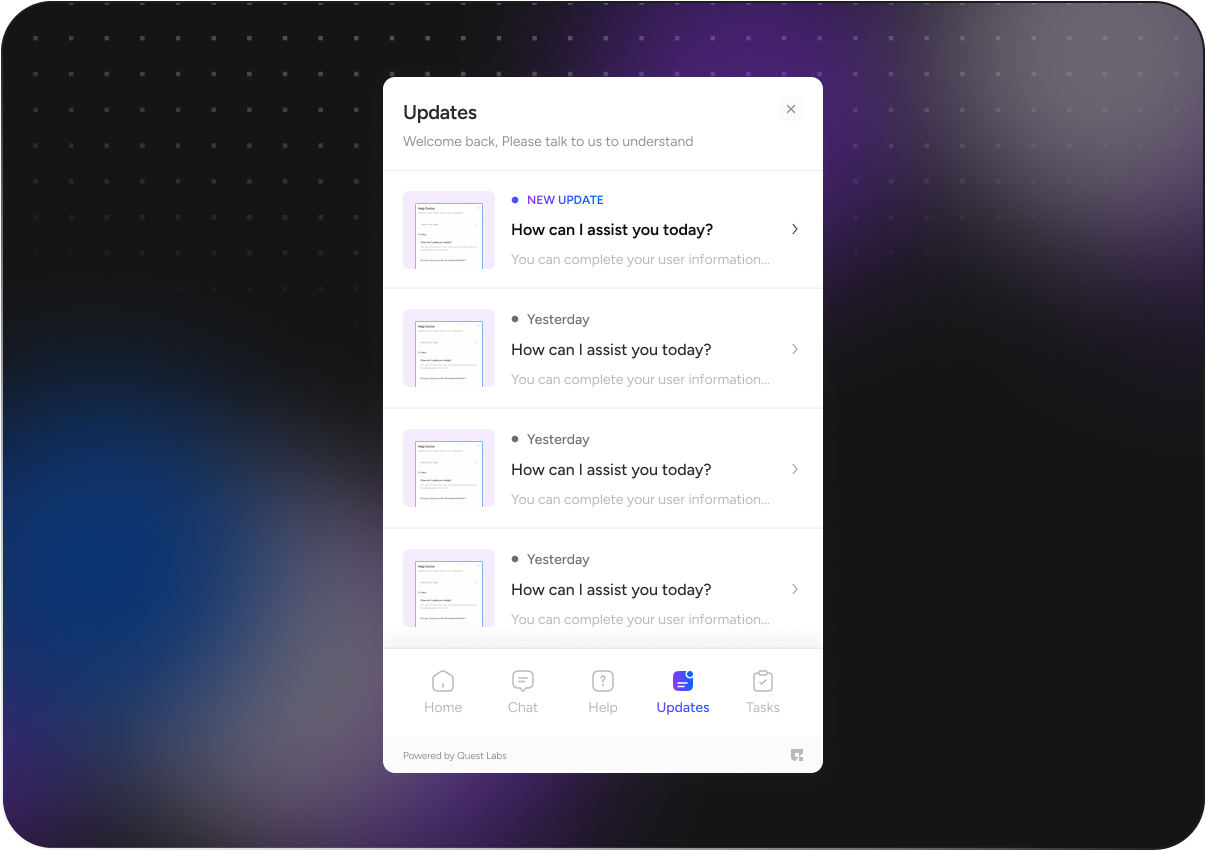
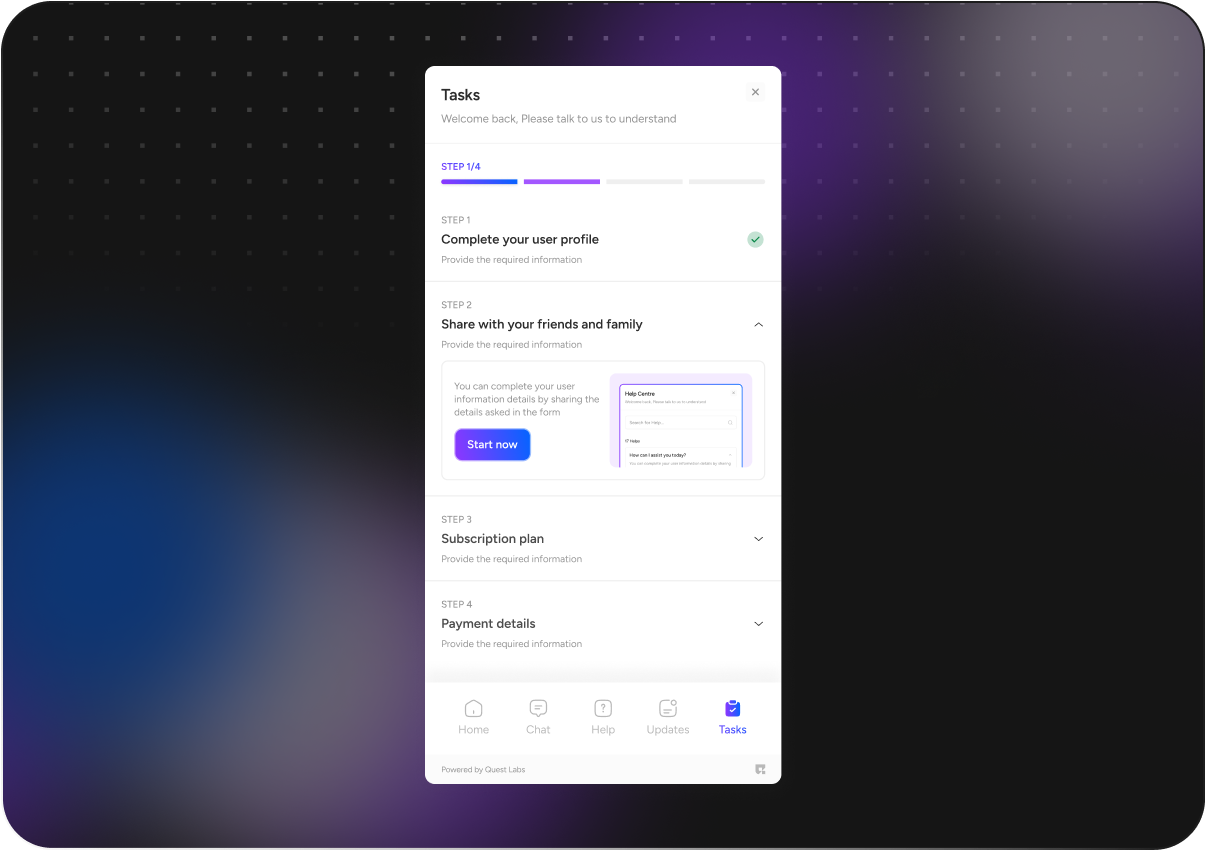
## Components Visuals&#x20;

{% tabs %}
{% tab title="Overview" %}

<figure><img src="https://1173113760-files.gitbook.io/~/files/v0/b/gitbook-x-prod.appspot.com/o/spaces%2FYEKIeE9xnHLXuuwEs8zo%2Fuploads%2F1UIDORPNHzqocWdM1e38%2Fhelp%20hub%20overview.png?alt=media&#x26;token=64491e70-a26f-4036-9288-331c6a70564c" alt="" width="563"><figcaption></figcaption></figure>
{% endtab %}

{% tab title="Visual 1 " %}

<figure><img src="https://1173113760-files.gitbook.io/~/files/v0/b/gitbook-x-prod.appspot.com/o/spaces%2FYEKIeE9xnHLXuuwEs8zo%2Fuploads%2Fg4VRiRdXaTymjqQpc9t4%2FHelp%20hub.png?alt=media&#x26;token=026afddd-5e04-4e4e-9912-868786f77bc5" alt="" width="563"><figcaption></figcaption></figure>
{% endtab %}

{% tab title="Visual 2" %}

<figure><img src="https://1173113760-files.gitbook.io/~/files/v0/b/gitbook-x-prod.appspot.com/o/spaces%2FYEKIeE9xnHLXuuwEs8zo%2Fuploads%2FVUGDUbbwq9PIlASwZI7k%2FHelp%20hub%20chat%201.png?alt=media&#x26;token=743b18bd-eb99-450e-b5f7-2931505c9a08" alt="" width="563"><figcaption></figcaption></figure>
{% endtab %}

{% tab title="Visual 3" %}

<figure><img src="https://1173113760-files.gitbook.io/~/files/v0/b/gitbook-x-prod.appspot.com/o/spaces%2FYEKIeE9xnHLXuuwEs8zo%2Fuploads%2FoGfMoCO6BiIHPZid0KrI%2FHelp%20hub%20help.png?alt=media&#x26;token=2e1f9978-8652-4f93-ac53-1915ff9c1524" alt="" width="563"><figcaption></figcaption></figure>
{% endtab %}

{% tab title="Visual 4" %}

<figure><img src="https://1173113760-files.gitbook.io/~/files/v0/b/gitbook-x-prod.appspot.com/o/spaces%2FYEKIeE9xnHLXuuwEs8zo%2Fuploads%2FWGA8mVsrecGqYKl6rRx1%2FHelp%20hub%20update.png?alt=media&#x26;token=f590ff94-c8e5-45bd-9ec4-b142601ca0b5" alt="" width="563"><figcaption></figcaption></figure>
{% endtab %}

{% tab title="Visual5" %}

<figure><img src="https://1173113760-files.gitbook.io/~/files/v0/b/gitbook-x-prod.appspot.com/o/spaces%2FYEKIeE9xnHLXuuwEs8zo%2Fuploads%2F8zer6WtZiCG3OqNoOpSF%2FHelp%20hub%20tasks.png?alt=media&#x26;token=ec1b2399-ea81-4ef4-b569-dabddacaf7d6" alt="" width="563"><figcaption></figcaption></figure>
{% endtab %}
{% endtabs %}

{% hint style="info" %}
To unlock early access to the component                                                           [**Get Access**](https://bijfwfnqtsj.typeform.com/to/eUXDpbuh)
{% endhint %}

### Installation

To use the helphub component , you need to install `questlabs_flutter_sdk` package into your project&#x20;

* First, navigate to the root directory of your Flutter project. Open the `pubspec.yaml` file using your preferred code editor.
* Under the `dependencies` section in your `pubspec.yaml` file, add the following line to include the `questlabs_flutter_sdk` package
* After saving your changes, open your terminal or command prompt and run the following command to fetch the new dependency

```dart
dependencies:
  questlabs_flutter_sdk:
    git:
      url: "Replace with your github URL"
      ref: master  
  flutter_bloc: ^8.1.6
```

## Props of help hub Component

<table><thead><tr><th width="170">Prop Name</th><th width="178">Type</th><th width="343">Description</th><th>Required</th></tr></thead><tbody><tr><td>questProvider</td><td>QuestProvider</td><td>Provides necessary configuration such as API key, entity ID, and optional theme settings</td><td>Yes</td></tr><tr><td>apiKey</td><td>String</td><td>API key to authenticate requests.</td><td>Yes</td></tr><tr><td>entityId</td><td>String</td><td>Entity ID associated with the quest.</td><td>Yes</td></tr><tr><td>themeConfig</td><td>QuestThemeConfig</td><td>Customizes theme settings like background color, font style, border color, button color, etc.</td><td>No</td></tr><tr><td>primaryColor</td><td>Color</td><td>Sets the primary color of the component .</td><td>no</td></tr><tr><td>secondaryColor</td><td>Color</td><td>Sets the secondary color of the component .</td><td>no</td></tr><tr><td>buttonColor</td><td>Color</td><td>Defines the color of buttons within the component .</td><td>no</td></tr><tr><td>backgroundColor</td><td>Color</td><td>Specifies the background color of the component .</td><td>no</td></tr><tr><td>borderColor</td><td>Color</td><td>Defines the color of the component's border.</td><td>no</td></tr><tr><td>fontStyle</td><td>String</td><td>Sets the font style for text within the component (e.g., <code>"poppins"</code>)</td><td>no</td></tr><tr><td>helpHubProps</td><td>HelpHubProps</td><td>Contains user ID, quest ID, token, and display options for the "Helphub Component" </td><td>Yes</td></tr><tr><td>userId</td><td>String</td><td>Unique user identifier.</td><td>Yes</td></tr><tr><td>token</td><td>String</td><td>Token for authenticating the user session.</td><td>Yes</td></tr><tr><td>campaignId</td><td>String</td><td>Unique campaign identifier.</td><td>Yes</td></tr></tbody></table>

**You can customize the UI with the type of** QuestThemeConfig **would be**

```dart

          themeConfig: QuestThemeConfig(
              secondaryColor: Colors.red,
              primaryColor: Colors.blue,
              buttonColor: Colors.yellow,
              backgroundColor: Colors.yellow,
              fontStyle: "libre baskerville",
              borderColor: Colors.red
          )
```

### **Basic Usage:**

* In your `main()` function, ensure you initialize the app and dependencies as follows:

```dart
void main() {
  runApp(const MyApp());
  getItInit();
  getIt<SharedPref>().init();
}
```

* Add the following `BlocProvider` setup to your `providers` list to initialize the `HelpHubCubit` for state management:

```dart
providers: [
  BlocProvider(
            create: (context) => getIt<HelpHubCubit>(),
          ),
],
```

{% hint style="info" %}
Ensure you provide your entity ID, API key, token, user ID, and campaign ID
{% endhint %}

```dart
import 'package:flutter/material.dart';
import 'package:flutter_bloc/flutter_bloc.dart';
import 'package:questlabs_flutter_sdk/questlabs_flutter_sdk.dart';

void main() {
  runApp(const MyApp());
  getItInit();
  getIt<SharedPref>().init();
}

class MyApp extends StatelessWidget {
  const MyApp({super.key});
  @override
  Widget build(BuildContext context) {
    return MultiBlocProvider(
      providers: [
        BlocProvider(
          create: (context) => getIt<HelpHubCubit>(),
        ),
      ],
      child: MaterialApp(
        title: 'Flutter Demo',
        home:  HelpHubComponent(
          helpHubProps: HelpHubProps(
            userId: 'userId',
            token: "token",
            campaignId: 'campaignId',

          ),
          questProvider: QuestProvider(
              apiKey: "apiKey",
              entityId: "entityId",
              themeConfig: QuestThemeConfig(
                // secondaryColor: Colors.green,
                // primaryColor: Colors.blue,
                // backgroundColor: Colors.yellow,
                // buttonColor: Colors.yellow,
                // fontStyle: "poppins",
                // borderColor: Colors.red
              )
          ),

        )
      ),
    );
  }
}


```

Watch the  video below for a step-by-step guide on testing the helphub component in your Flutter project.

{% embed url="<https://www.loom.com/share/eb7673cb3dc7409fb719017dfc1c92bb?sid=f3dda69b-6c1f-45e5-9f69-b4a3ba1f2c10>" %}