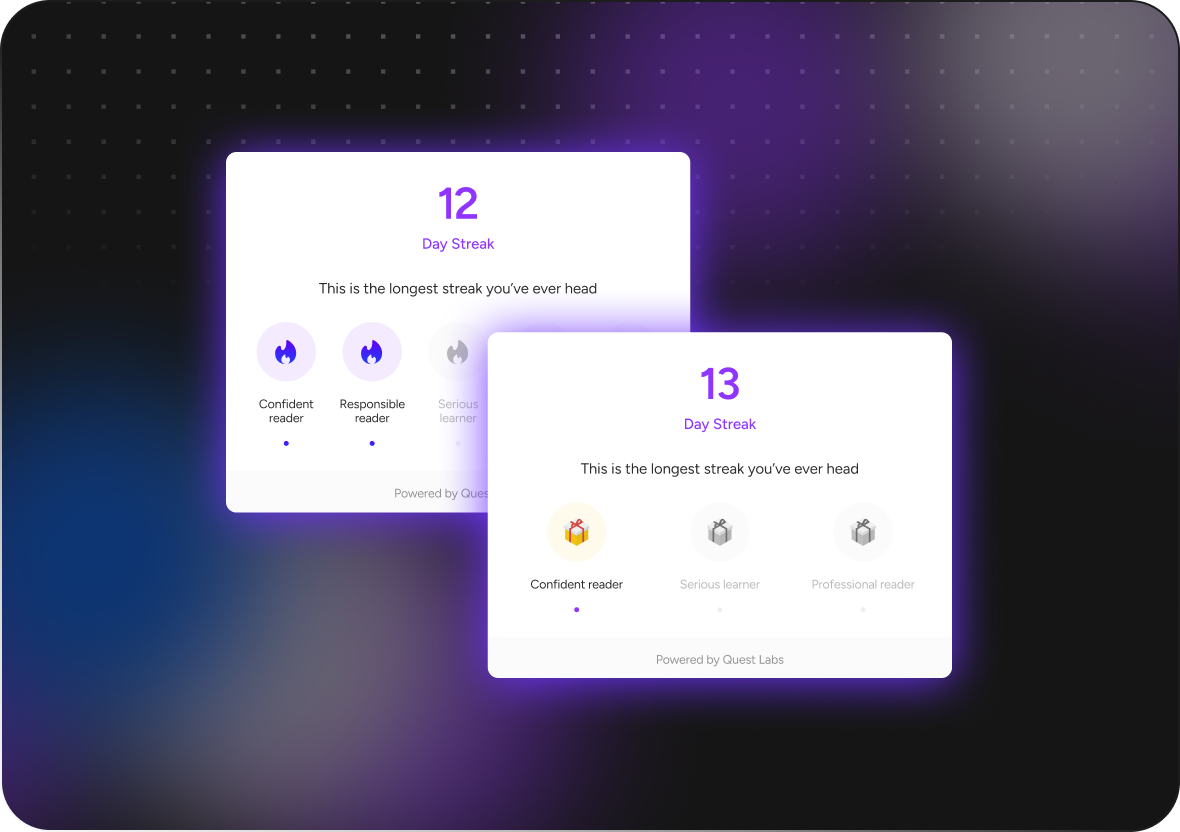
The Daily Visit Streak View is a component designed for tracking and displaying a user's daily visit streak. It provides a visual representation of how many user has visited a platform or app.
Components Visuals
To unlock early access to the component Get Access
Installation
To install the Quest react-native-sdk into your project, follow these steps:
Open your terminal/command prompt.
Navigate to your project's root directory using the cd command if you're not already there.
Run the following command to install the quest-sdk package using npm:
This command will download and install the package and its dependencies into your project.
Make sure your project has npm and Node.js installed, and that you have the necessary permissions to install packages in your project directory.
Usage
Root Component
Import the QuestProvider Component: Import the QuestProvider component from the @questlabs/react-sdk package.
Pass the Required Props: Pass the required props to the QuestProvider. The required props are apiKey, entityId,authenticationToken and fontFamily.
To load external fonts, please refer this doc to setup expo-font on your expo app.
Component Usage
To integrate the useStreaks component into your React native application, follow these steps.
Import useStreaks Hook: Import the useStreaks component from the @questlabs/react-sdk package.
Import the Streak Component: Import the Streak component from the @questlabs/react-sdk package.
Pass the Required Props: Pass the required props to the useStreaks . The required props are questId, questUserId, and userToken or if user don't have quest User id then they can pass own userId to get questUserId and Token.
Don't not use QuestProvider and useStreaks Hook in same file
Props of Streak Component
The Streak component accepts the following props
Prop Name
Type
Required
Details
counter
number
Required
The current count for the streak.
header
string
Required
Header for the streak component.
description
string
Required
Description for the streak component.
pendingStreakImg
string
optional
Image URL for the pending streak state.
filledStreakImg
string
optional
Image URL for the filled streak state.
icon
"gift" | "fire" | string | any
optional
for icon.
iconData
TItemData[]
Required
in offline/ online user need to provide the require filed data.